
If your project is complete (i.e., study data collection has ended) or if you don't plan on launching it soon (e.g., test project created but no longer used), your team can opt to pause it from the Project Dashboard.
This feature is only available to users with the Project Builder permission.
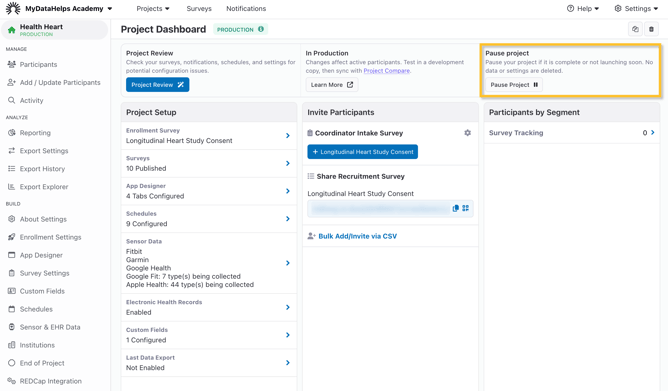
Clicking the "Pause Project" button will perform the following actions:
- Pause all segments, schedules, and exports.
- Disable editing or creating new segments, schedules, or enabling new exports.
- Remove the project from participant accounts. Participants can continue to access project contact information and any signed consent documents, but cannot access views, tasks, or data.
This will NOT delete any participant data or project configuration such as segments and schedules.
This action can easily be reversed by clicking "Resume Project" from the Project Dashboard.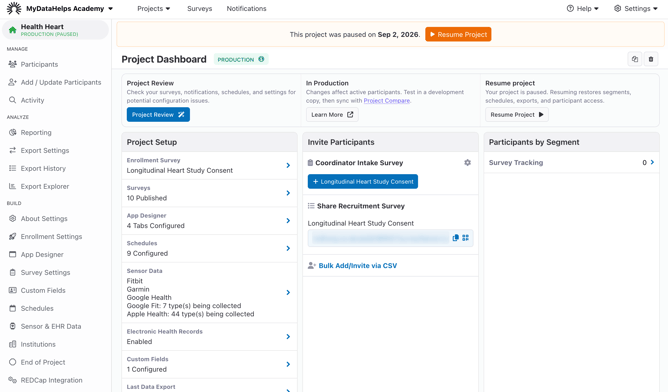
If you have a dry run project that was used for testing but is no longer in use, you can pause the project to prevent your test participants from continuing to get notifications.